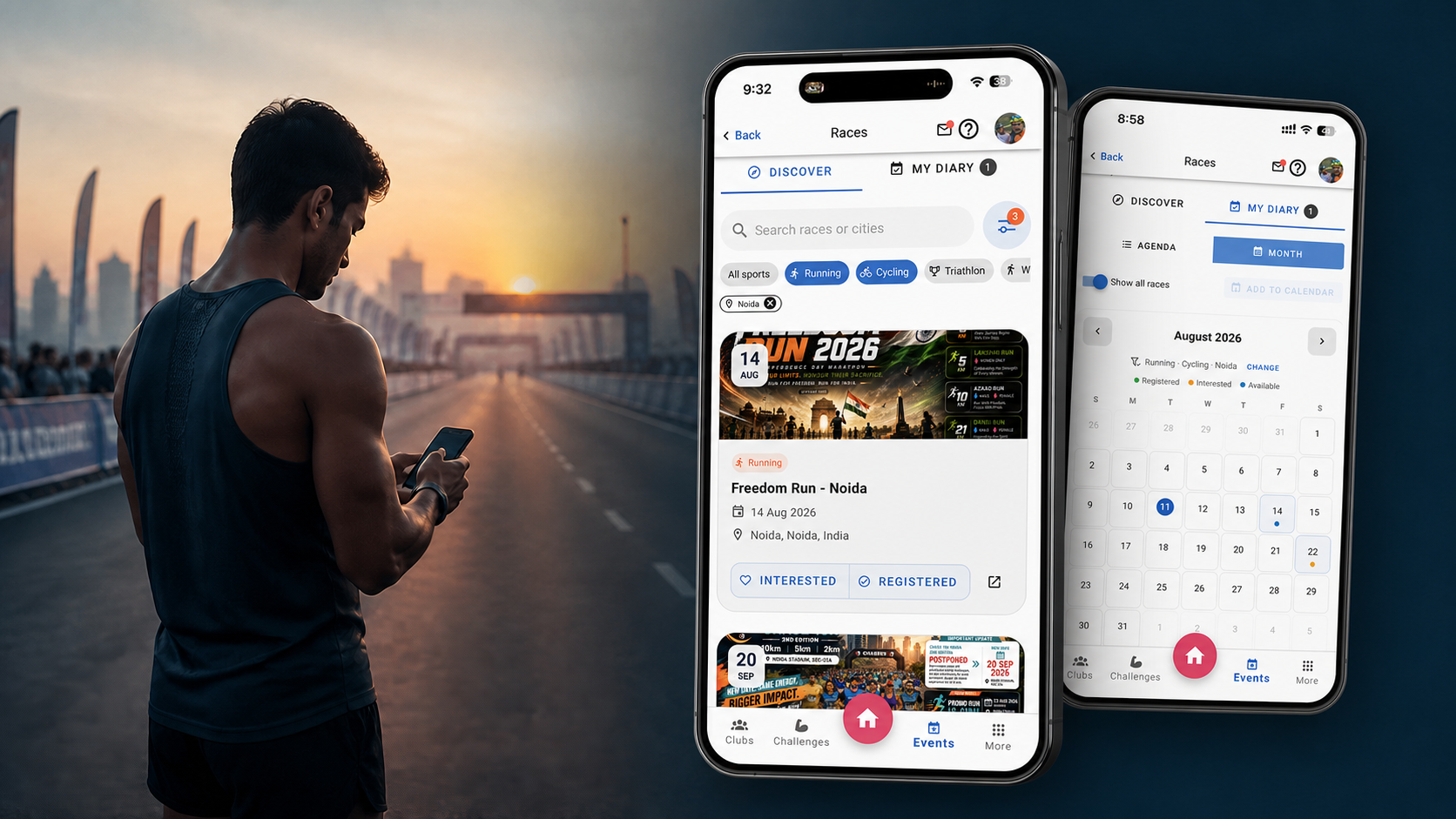
Your Race Life, in One Place: Introducing Race Diary
Registering for a race takes a few minutes. Remembering everything that follows can take months.
The confirmation may be buried in email. The date sits in one calendar, the bib-expo venue in a message, and the official result on a different website. If you race regularly—or switch between running, cycling, triathlons and endurance events—the season quickly becomes a collection of tabs, screenshots and reminders to yourself.
That is the problem we built Race Diary to solve.
Race Diary is a new Xfitconnect experience powered by the SportPulse race catalogue. It helps you discover upcoming races across India, mark the ones you care about, organize your registered events, keep bib and collection details close, and preserve official results in a race history that belongs to you.
It is not another registration marketplace. Think of it as the personal operating system for your race season—from “maybe” to the finish line.
The race-season problem nobody plans for
One event is easy to remember. A full season is not.
Athletes commonly deal with a few versions of the same problem:
- registering early, then forgetting that another race already occupies that weekend;
- saving interesting races in browser tabs or WhatsApp messages and never finding them again;
- hunting for the registration reference or bib number the night before an event;
- missing or rechecking bib-collection dates, venue details and instructions;
- searching several result portals after race day;
- losing the useful story of a season once individual links and screenshots disappear.
Fitness apps are usually very good at recording what you did. Race Diary begins one step earlier: what are you planning to do, and what do you need along the way?
Discover your next start line
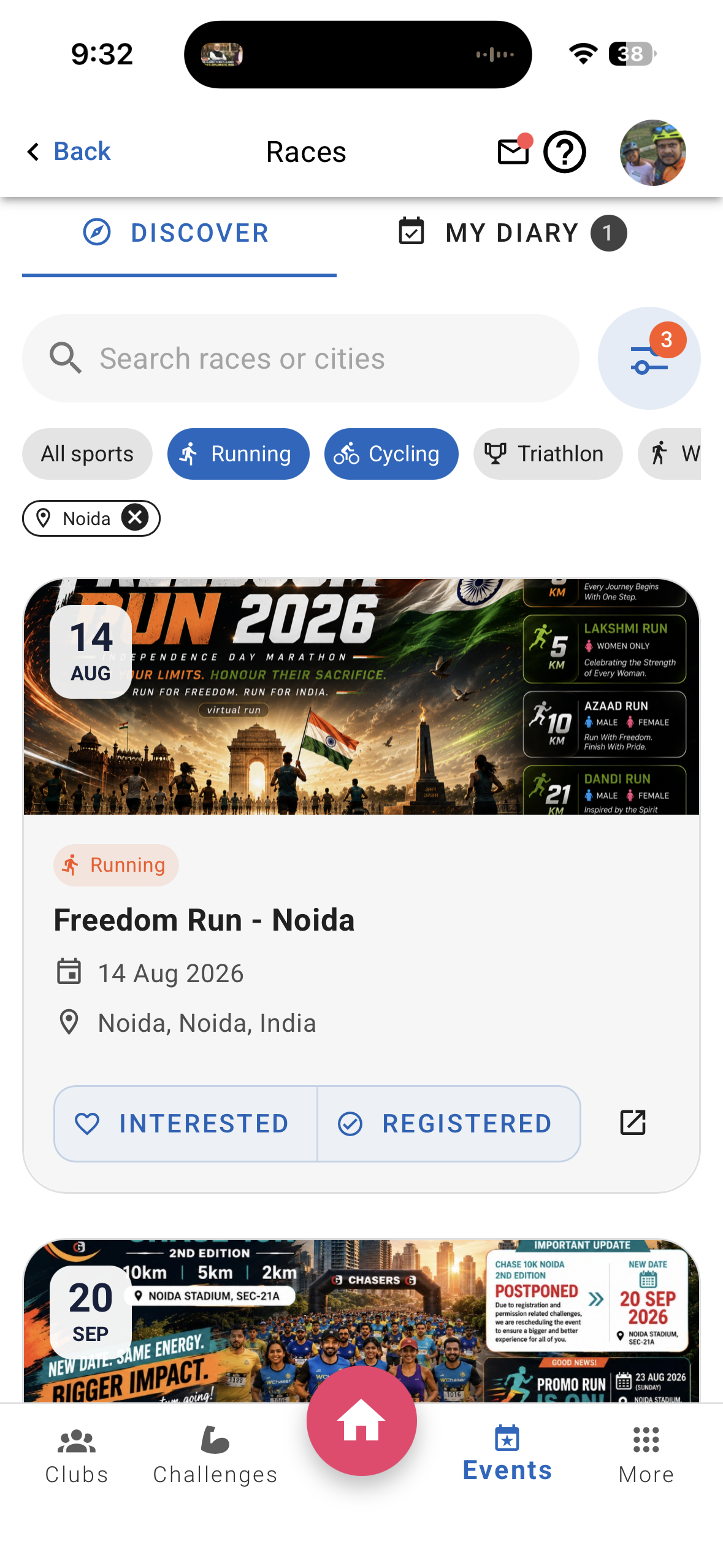
Open Races in Xfitconnect and the Discover tab gives you a browsable catalogue of upcoming events. You can search by race or city, filter by sport and location, and view useful details such as the date, venue and available distances.
Your preferred sports and cities can provide a sensible starting point, while the filters still let you explore beyond them. A runner in Bengaluru can keep the everyday view focused and still look for a cycling brevet in another state when adventure calls.
When an event catches your eye, open its details to review the available information and follow the verified provider link when you are ready to visit the official event or registration page.
Xfitconnect helps you discover and organize races. Registration itself continues on the official organizer or provider website.
Two simple signals: Interested and Registered
Every race card gives you two useful choices:
- Interested — save a race you are considering without pretending you have committed.
- Registered — place a confirmed race into your active race plan.
That distinction sounds small, but it clears up an important source of race-season confusion. Your shortlist and your commitments no longer have to live in the same mental pile.
Change your mind? Update the status at any time. Your Race Diary remains private to your account, while selected club-related participation details may help you see clubmates attending the same race.
Your diary, your preferred view
The My Diary tab turns saved races into a season you can scan.
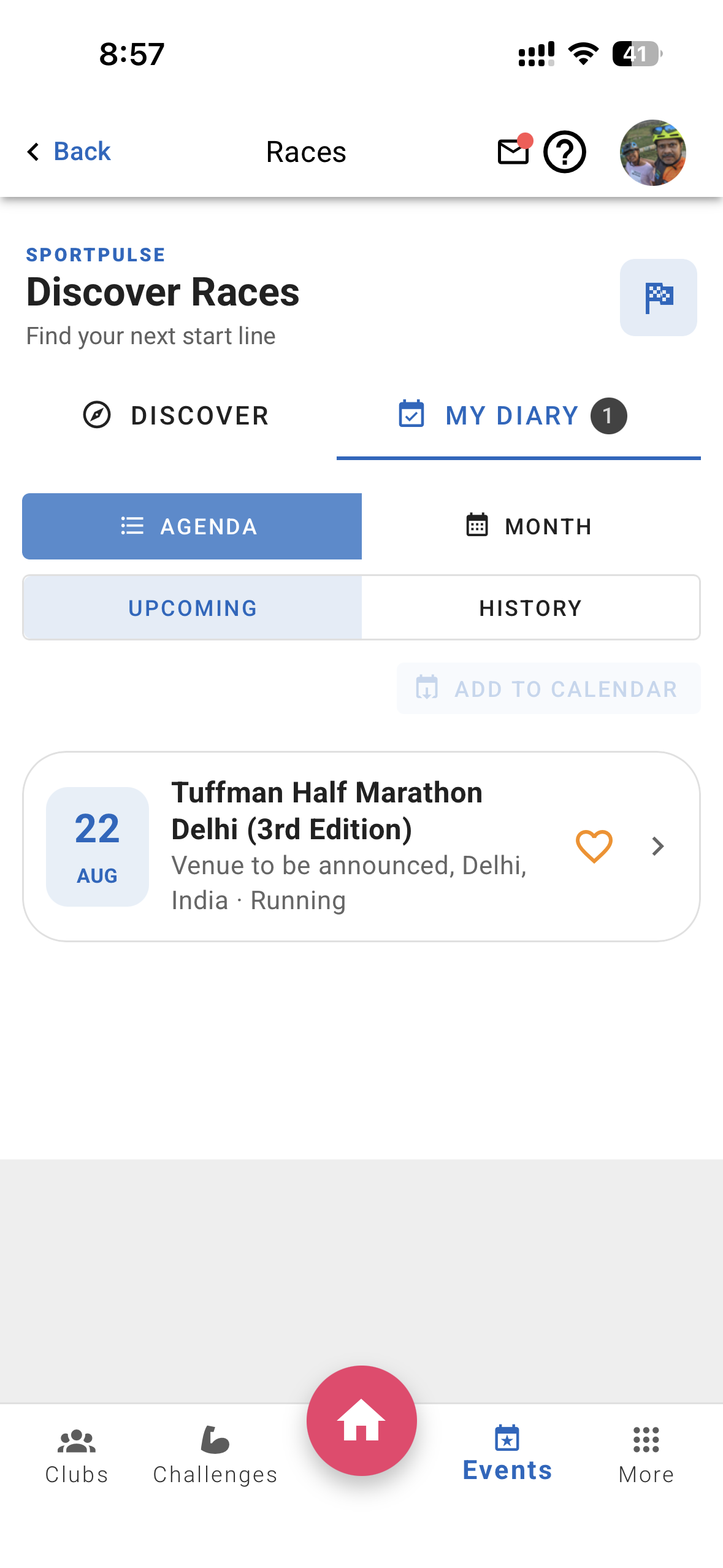
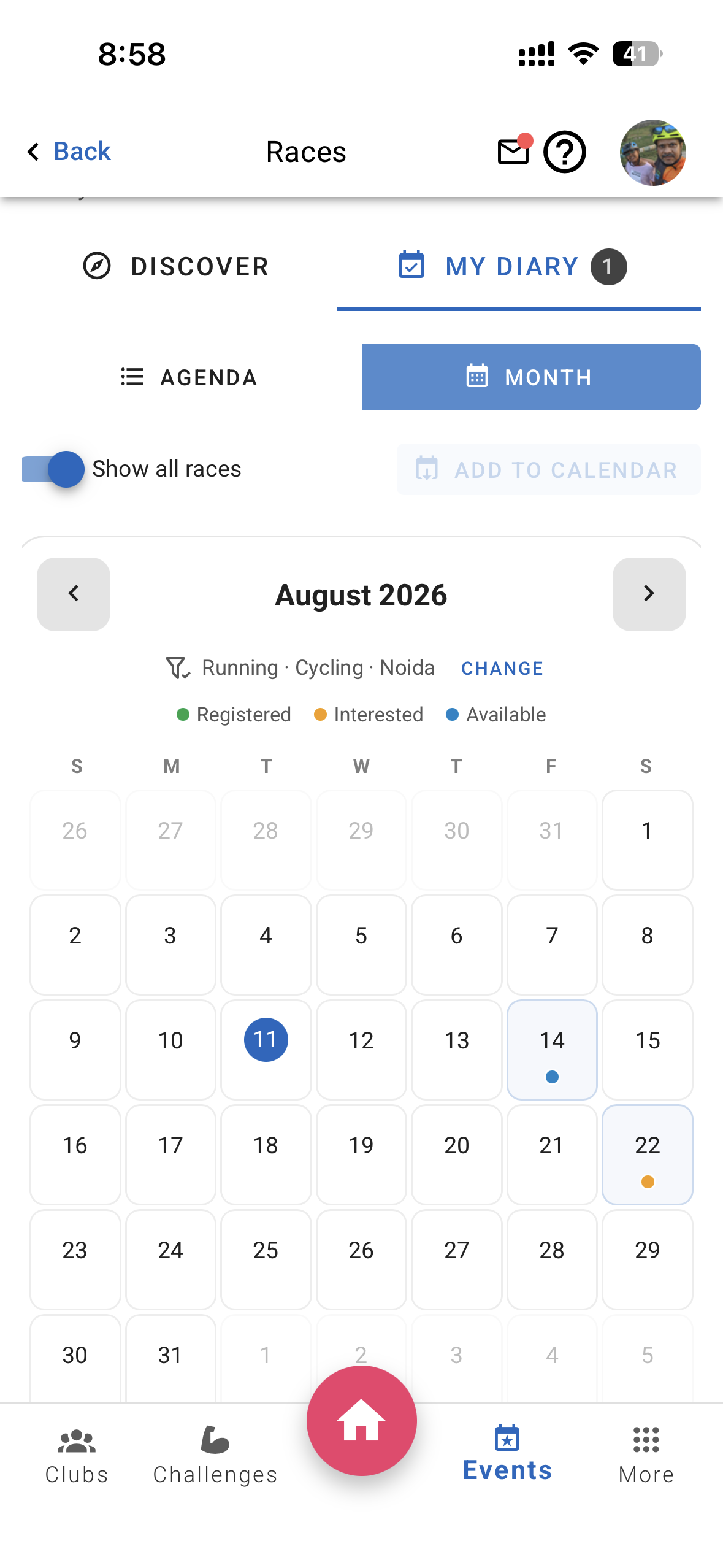
Use Agenda when you want a clean chronological list. Switch between Upcoming and History to separate the races ahead from the races already completed.
Use Month when spacing matters. Registered and Interested races have distinct calendar markers, and bib-collection dates can sit beside the race itself. If you want to explore open weekends, turn on Show all races to add available events matching your chosen sports and cities to the calendar.
This answers the practical question behind many accidental clashes: What else is happening that weekend?
Put registered races on your regular calendar
Your race plan should not exist only inside one app.
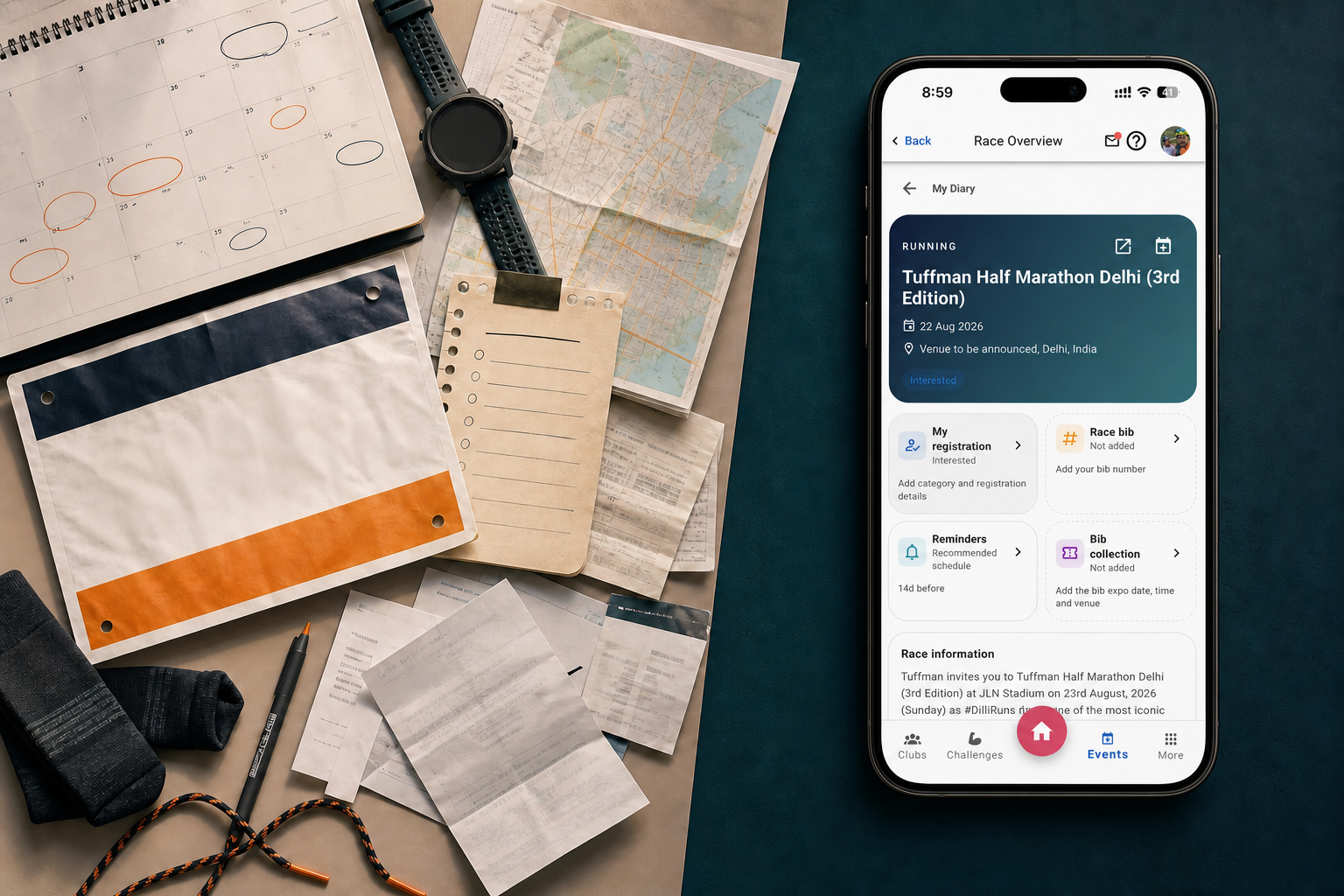
Race Diary can export registered races as a calendar file, ready to add to the calendar you already use. The event can include the race date, useful location information and your saved bib details. When you select an announced bib-collection session, that can be exported as a separate calendar event too.
You can export the registered-race calendar from My Diary or add an individual race from its detail screen.
It is a simple bridge between discovering a race and protecting the time for it.
Keep the details that become urgent later
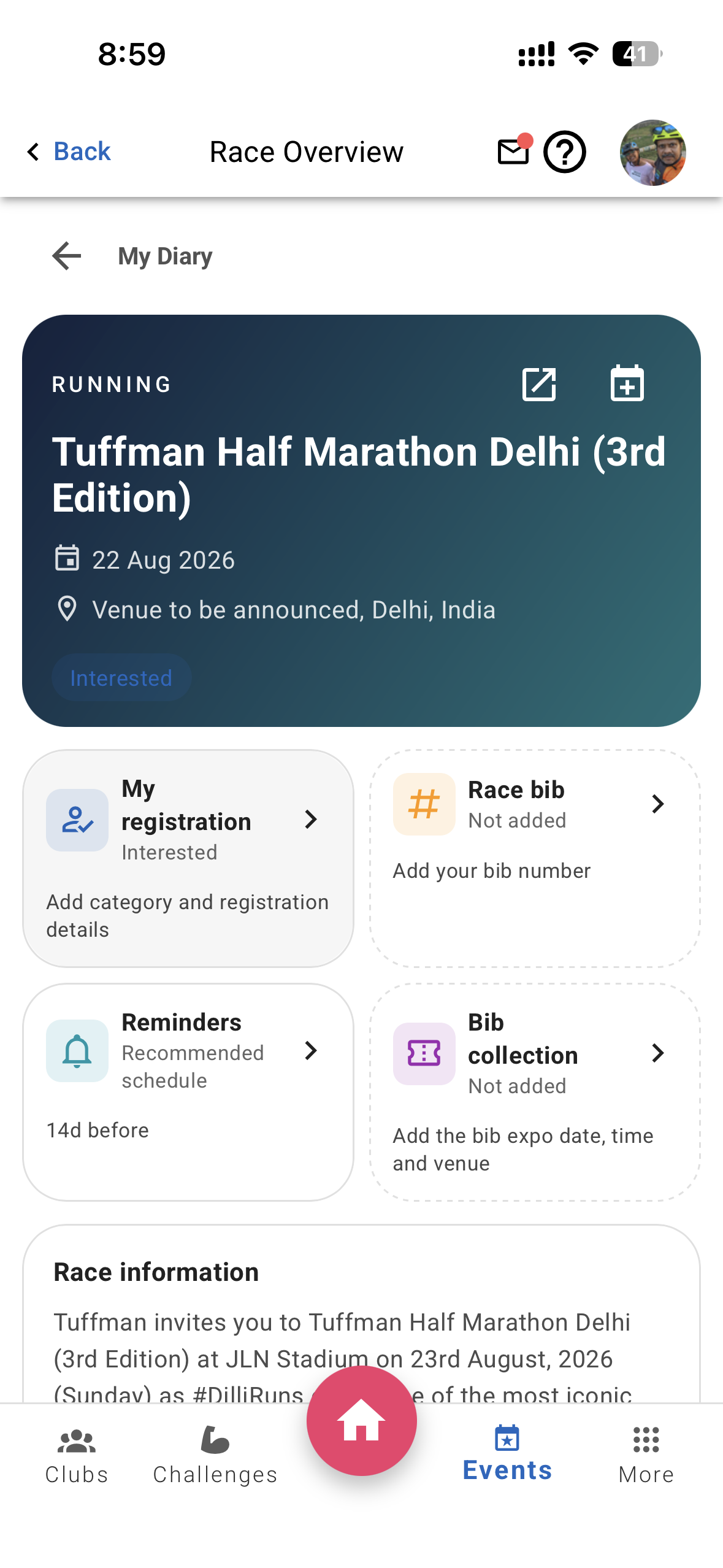
Open a registered race in My Diary and you can build a compact personal race card with:
- your race category, such as 10K, Half Marathon or a brevet distance;
- registration reference;
- bib number;
- private notes;
- bib-collection session, venue and instructions;
- your preferred pre-race and bib-collection reminder schedule.
Where SportPulse has identified bib-collection information from an event provider, Xfitconnect presents it for you to confirm. If the information is unavailable or you have different instructions, you can enter the details yourself.
Your bib number is more than a note. For supported result providers, it becomes the key that helps locate your official result after the race.
See who else is heading to the start line
Races are individual efforts, but the experience around them rarely is.
The Clubmates section can show members from your Xfitconnect clubs who have also marked themselves Registered for that race. Before race day, it can help you discover familiar faces, coordinate travel or simply know that somebody else from the club will be there.
After the event, saved public race information can make the same view a lightweight club recap—without turning a personal diary into a public attendance board.
Bring the finish line back into your diary
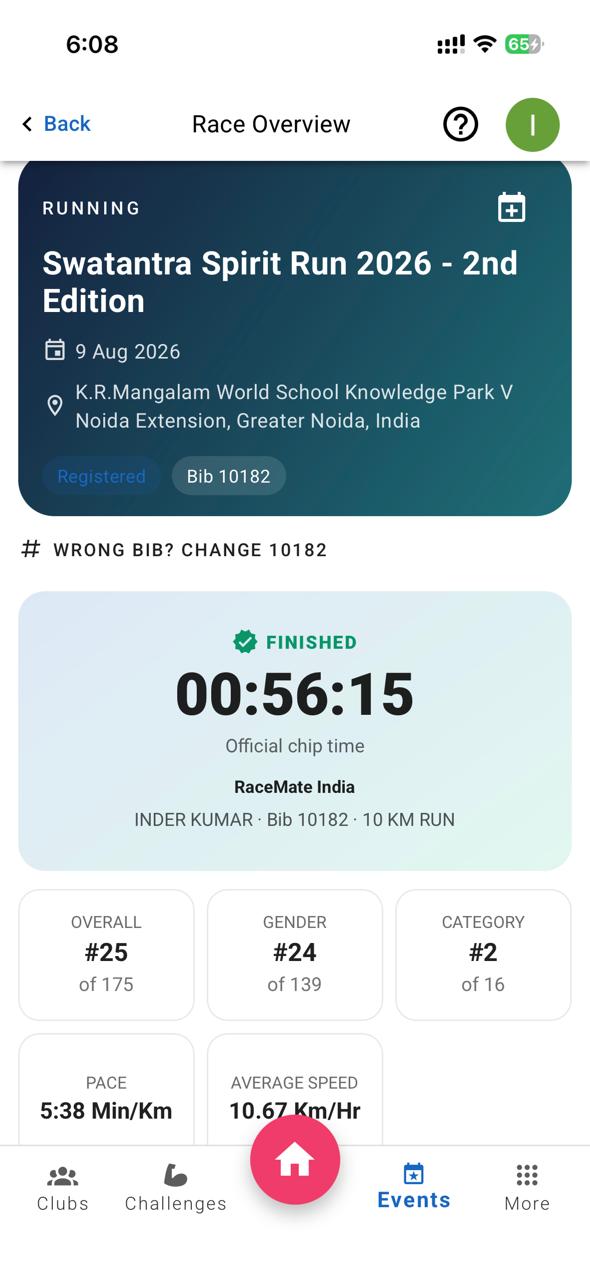
After a completed race, My Diary moves it into History. For supported providers, a registered athlete can add a bib number and fetch their matching official result.
Before saving, Xfitconnect asks you to confirm the matching athlete. Once confirmed, the race record can include whichever fields the official provider makes available, such as:
- chip time and gun time;
- overall, gender and category rank;
- pace or average speed;
- checkpoint splits;
- finish status;
- links to the official result and certificate.
The result is then available from your Race History rather than becoming another link you have to rediscover. On supported mobile devices, you can also share the official result or certificate link.
Result availability and the fields shown depend on the event and its official result provider. Xfitconnect does not invent or recalculate the organizer’s official result.

A race journey, not just an event list
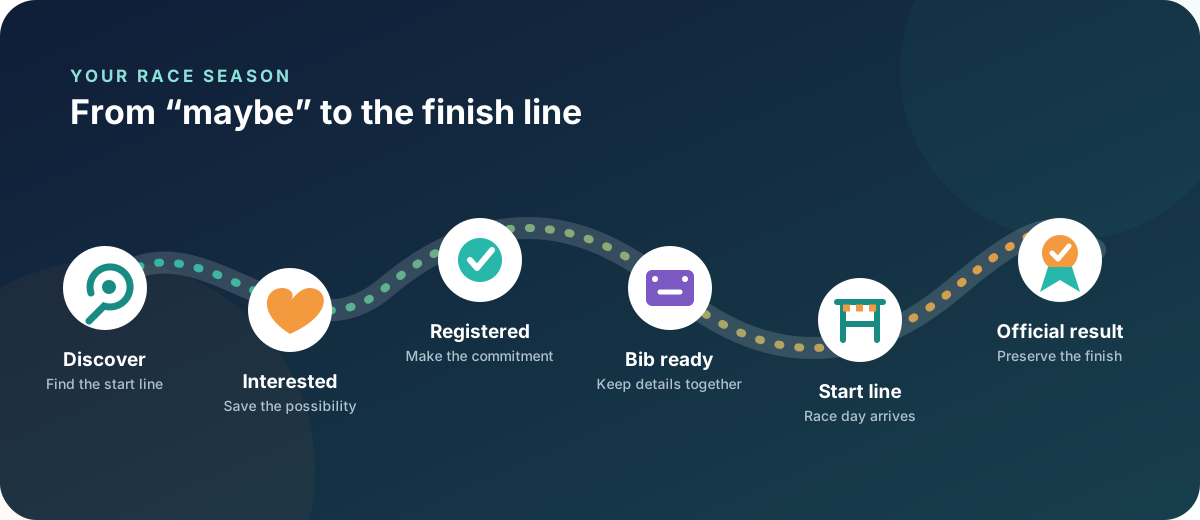
Race Diary brings together several moments that normally live apart:
- Discover an event relevant to your sport and location.
- Mark it Interested while you decide.
- Change it to Registered once your place is confirmed.
- Save the category, reference, bib and collection details you will need.
- Add the race and bib collection to your calendar.
- Return after race day to fetch and preserve the official result.
The result is a continuous record of your season: anticipation, commitment, preparation and achievement in one place.
What is available now—and what comes next
The new Race Diary already brings race discovery, Interested and Registered states, Agenda and Month views, calendar export, race details, bib management, bib-collection planning, clubmate visibility, Race History and supported official-result lookup into one experience.
Race and bib-collection notifications are live. You can use the recommended reminder schedule or choose your own timing for each saved race and selected bib-collection session. Keep push notifications enabled for Xfitconnect so those reminders can reach your device.
Activity-to-race linking is the next piece still being completed; the current screen may show that action as unavailable in the meantime. We are treating those matches carefully so a planning tool remains accurate and quiet rather than making uncertain connections.
Start building your race season
Open Xfitconnect, go to Races, and begin with one event:
- save the race you are considering;
- mark the event you have already registered for;
- add its bib details;
- or bring an older official result into your Race History when supported.
Your races already tell the story of your season. Race Diary gives that story a home.
Open Xfitconnect → Races → Discover